Email Management
A real mail client. In the same app.
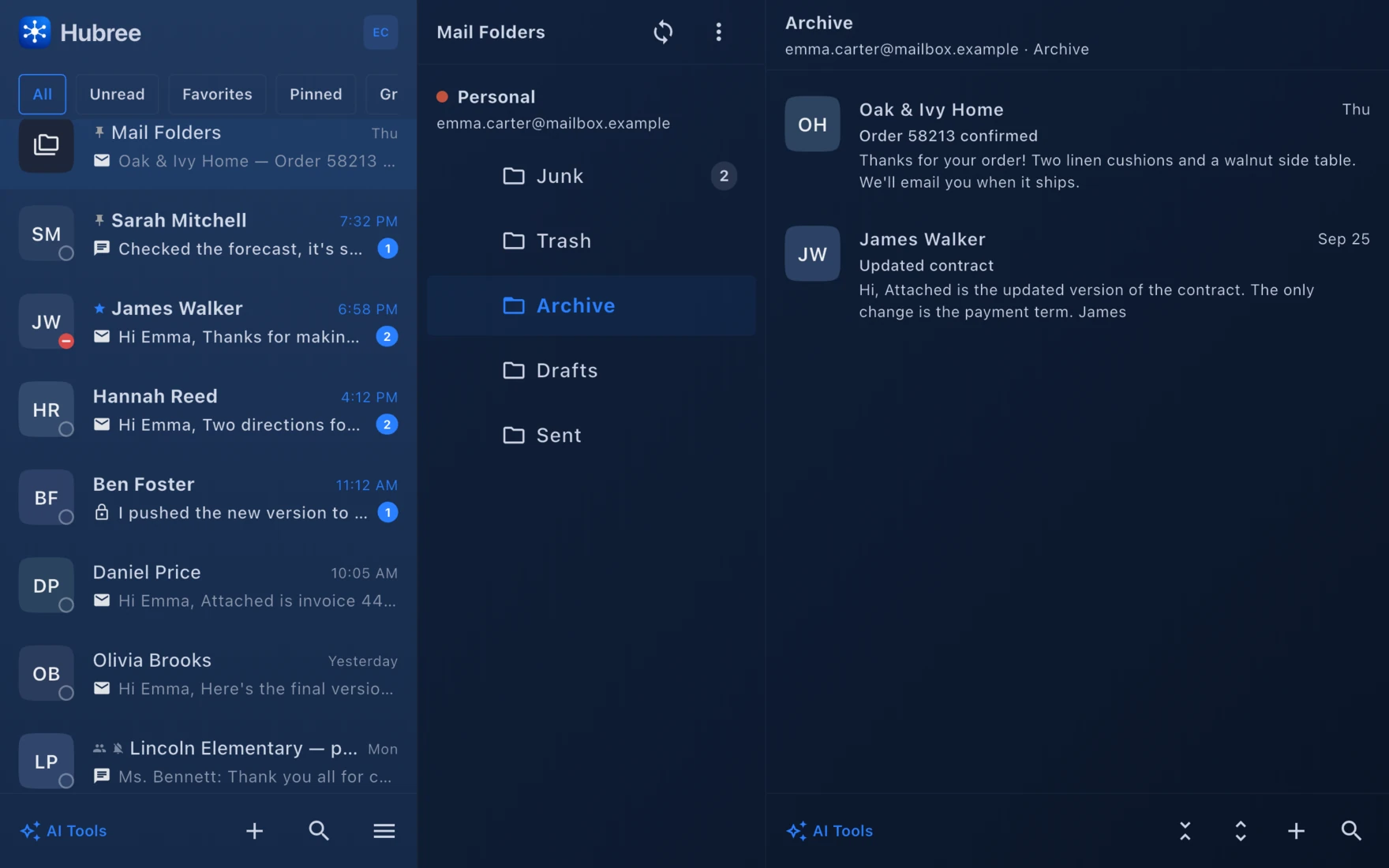
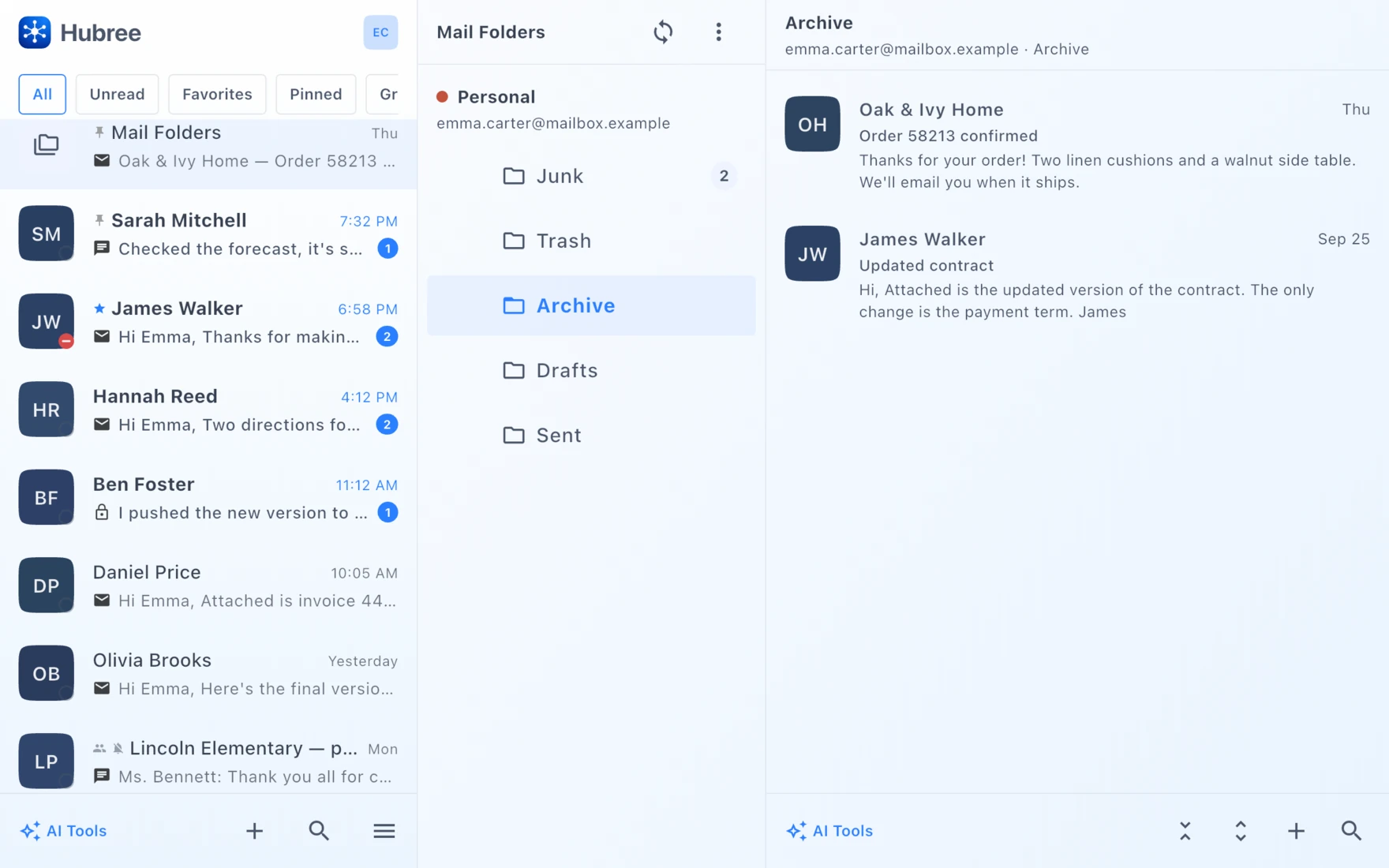
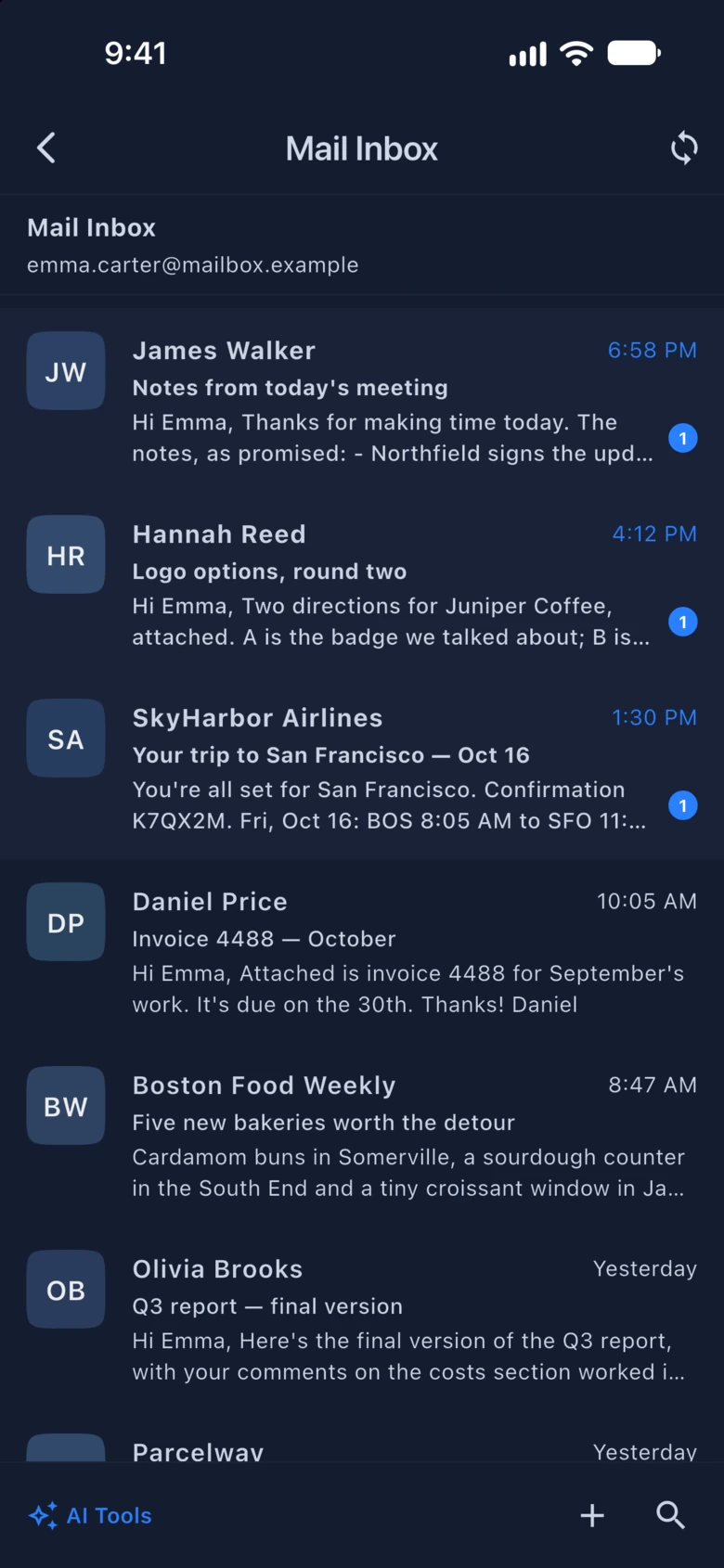
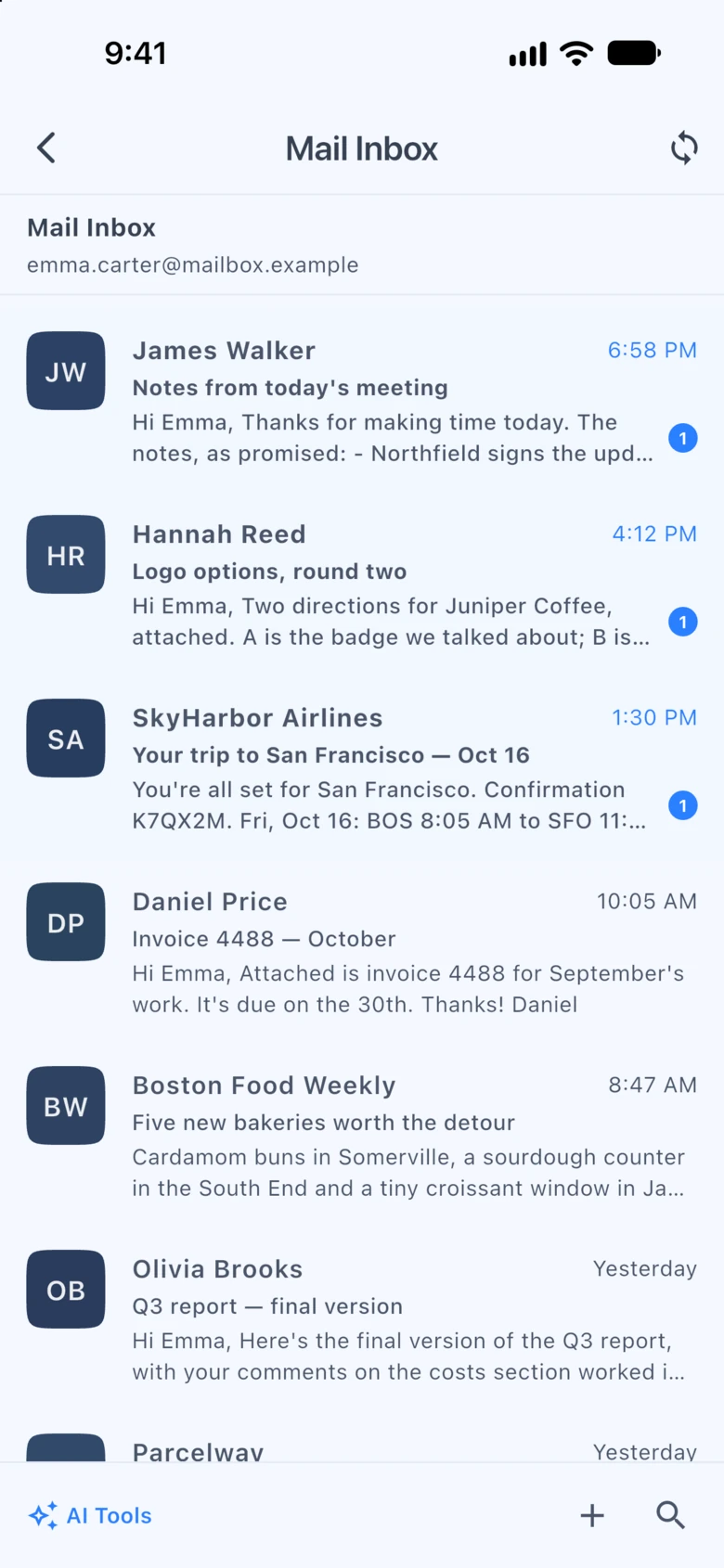
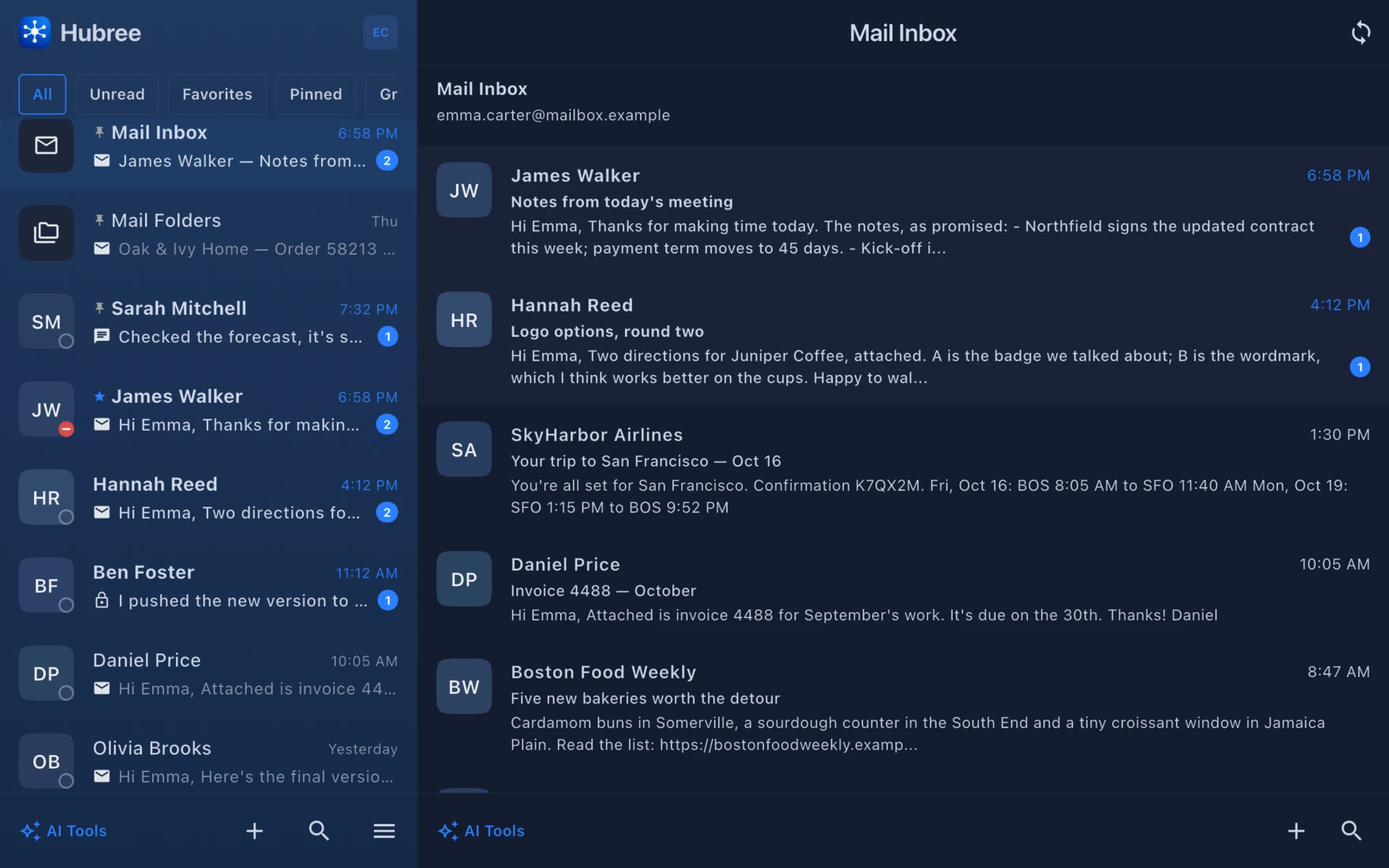
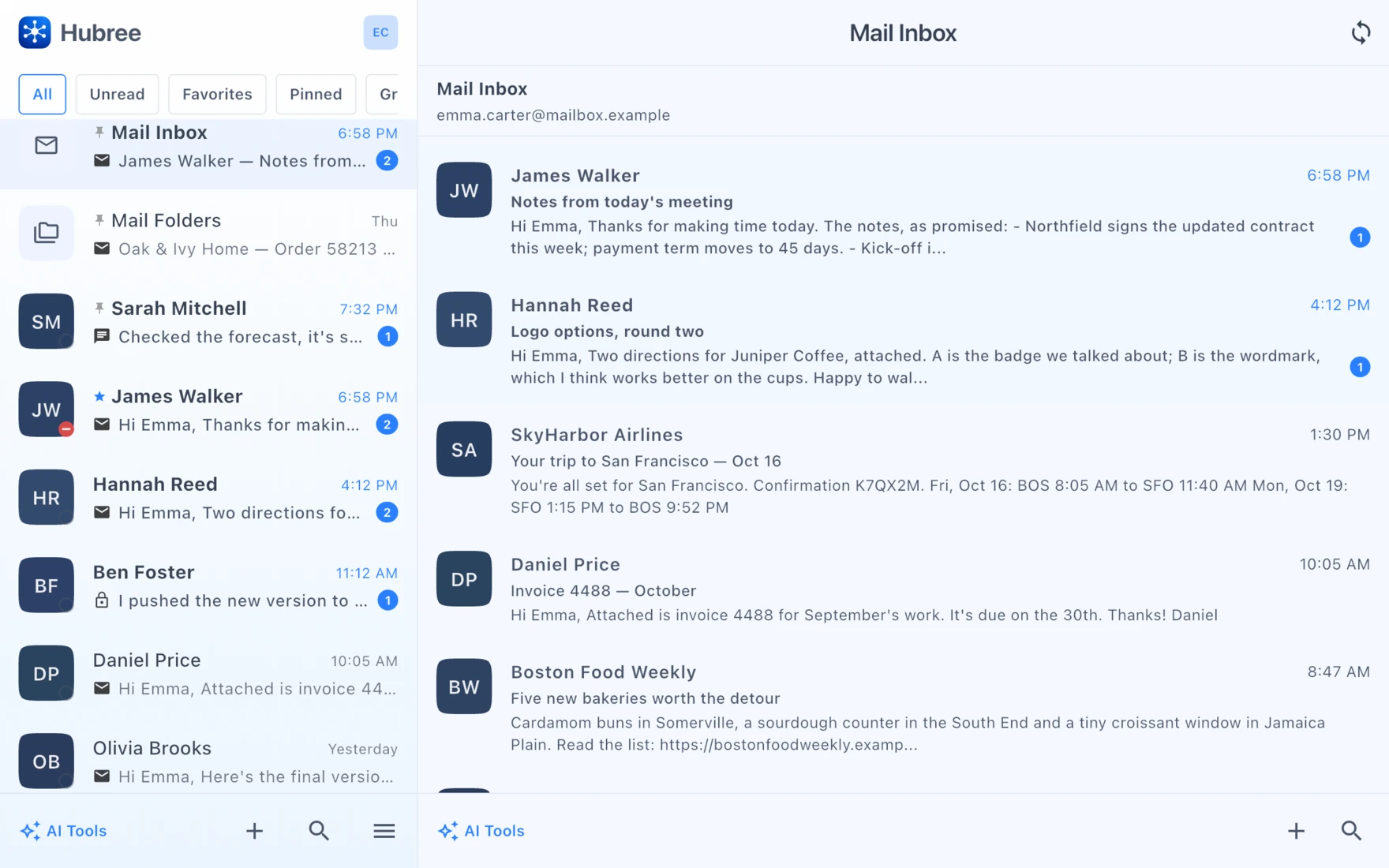
Hubree is a complete email client as well as a messenger. Add your accounts, browse folders, write with a rich-text editor and let rules tidy things up — while email from your contacts also appears inside their conversation threads.
Try it free →Junk & phishing
A junk filter that gets better every time you sort your mail.
It works for every email account you add — your company’s, your own domain’s, any mailbox over IMAP — and, like the rest of your mail, it runs on your phone or computer. Nothing about your email is sent to us to decide what is junk.
Learns what junk means to you
Move a message to Junk, or rescue one with “Not junk”, and Hubree learns from it — whether you sort it in Hubree or in any other mail app. Where your provider already filters well — Gmail, iCloud, Microsoft — Hubree trusts its verdict by default and adds the phishing checks; one switch per account makes it learn there too.
- Doubtful messages are marked “Suspected junk”, and “Why?” tells you what gave them away
- People in your contacts and people you have written to are never treated as junk
- Junk is kept quiet: no notification for it, unless you want one
- Nothing is moved for you until it has learned enough — and even then it asks first
Warns you about phishing
Some messages are not just unwanted but dangerous. Hubree points out the usual tricks and marks the message “Possible phishing” before you fall for it.
- Someone using the name of one of your contacts from an address that is not theirs
- Addresses made to look like someone you already write to
- Links that show one website but lead to another — you are asked before it opens
- Attachments that could harm your device
Make it yours in Settings › Mail › Junk filtering: choose how strict it is, from Conservative to Aggressive, or switch it off; for each account, decide whether it may move junk to the Junk folder by itself and whether to trust your provider’s own spam marking; and if it ever gets things wrong, have it forget what it learned and start again.
Highlights
Everything you need
Multiple accounts
Add any IMAP/SMTP account or sign in to Gmail with Google. Each account gets its own folder tree; all of them share one inbox view.
Handled on your device
Mail is fetched and sent by the app over IMAP and SMTP. Passwords and tokens stay in the secure storage of your device; senders, subjects and previews are encrypted at rest.
Fast, incremental sync
Only what changed is fetched, folders update live while they are open, and reading, moving or deleting works offline and syncs when you are back.
Rich compose
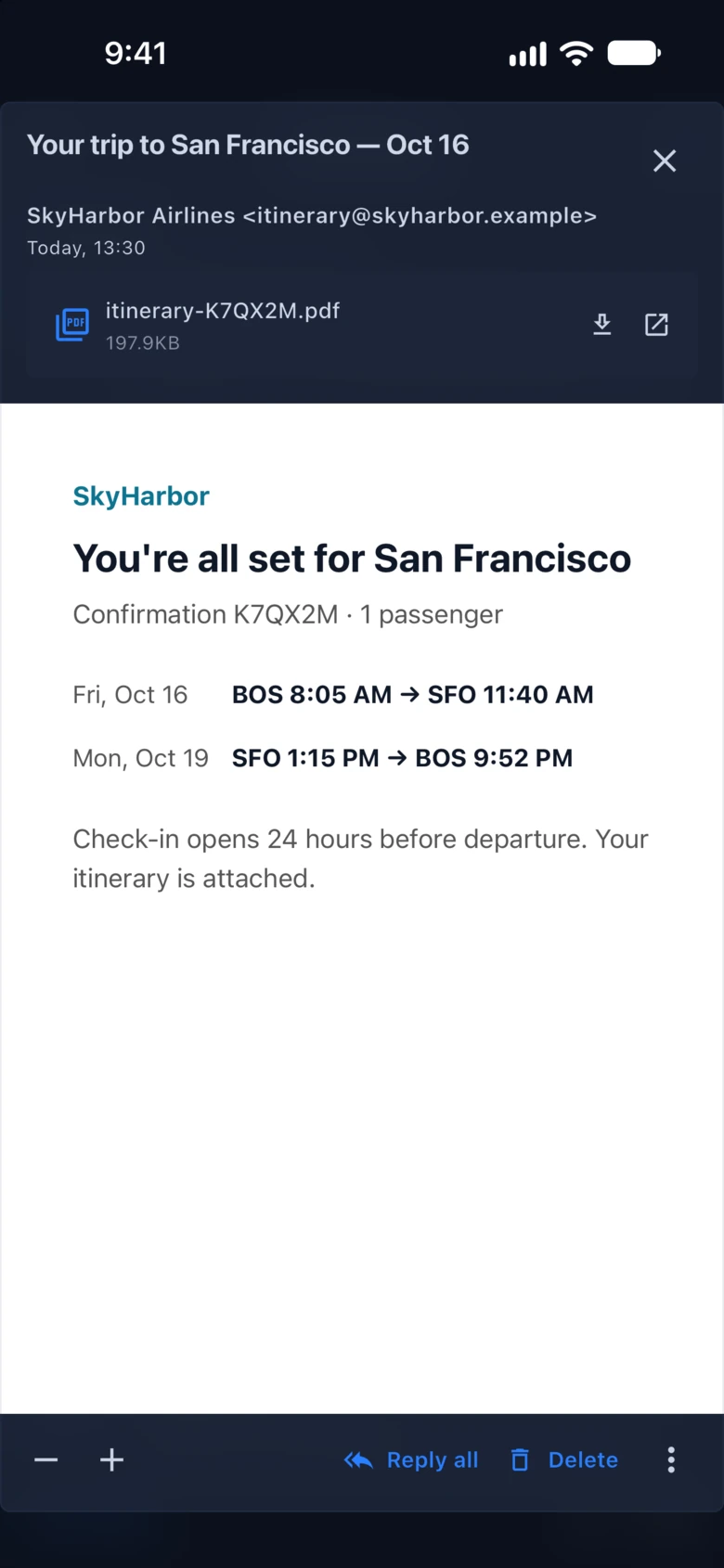
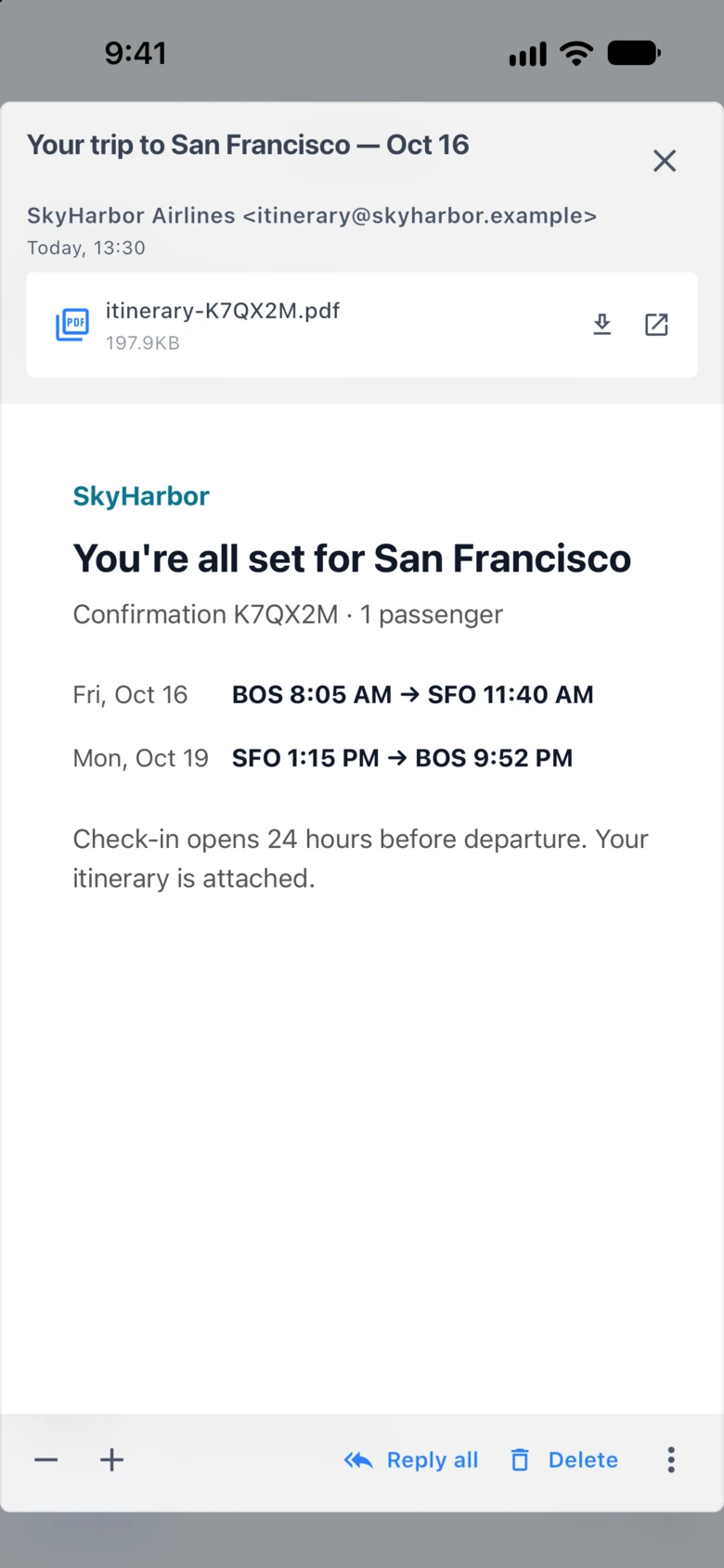
A full rich-text editor, attachments, reply and forward with proper threading, and a copy in Sent on the server like any mail client.
Rules for email too
Sort by sender, subject, recipient or account: mark read, move to a folder, flag, or keep it quiet. Rules run on whichever device syncs first, never twice.
Email inside conversations
An email from a contact appears in their thread next to their chats, so the story stays in one place. All mail stays reachable in the folders as well.
Remote content blocked
Tracking pixels and remote images are not loaded until you say so, and links open only where you expect them to.
Outlook and Microsoft 365 sign-in Coming soon
Sign in to Outlook.com and Microsoft 365 mailboxes with your Microsoft account instead of an app password.
Email on the web
Why there is no email in the web version.
A browser cannot talk to a mail server by itself. To show your email in the web version, our servers would have to sign in to your mailbox with your password and pass every message through — exactly what we promised never to do. So email lives in the Hubree apps for iPhone, Android, Mac, Windows and Linux, and the web version has everything else.
- Your mail password or Google sign-in stays on your own phone or computer
- Your messages travel straight between your device and your email provider
- Nothing from your mailbox is stored on our servers — not even to filter junk. The one exception is when you ask the AI to summarise or draft something: that text is sent for the answer and not kept
Signed in on the web? Your conversations, calls and channels are all there; open the app on your phone or computer when you need your email.
In the app
See it on your devices
Get started
A real mail client. In the same app.
Hubree is free to start. No credit card required.
Create your account →