Android Notification Bridge
Reply to anything, from anywhere.
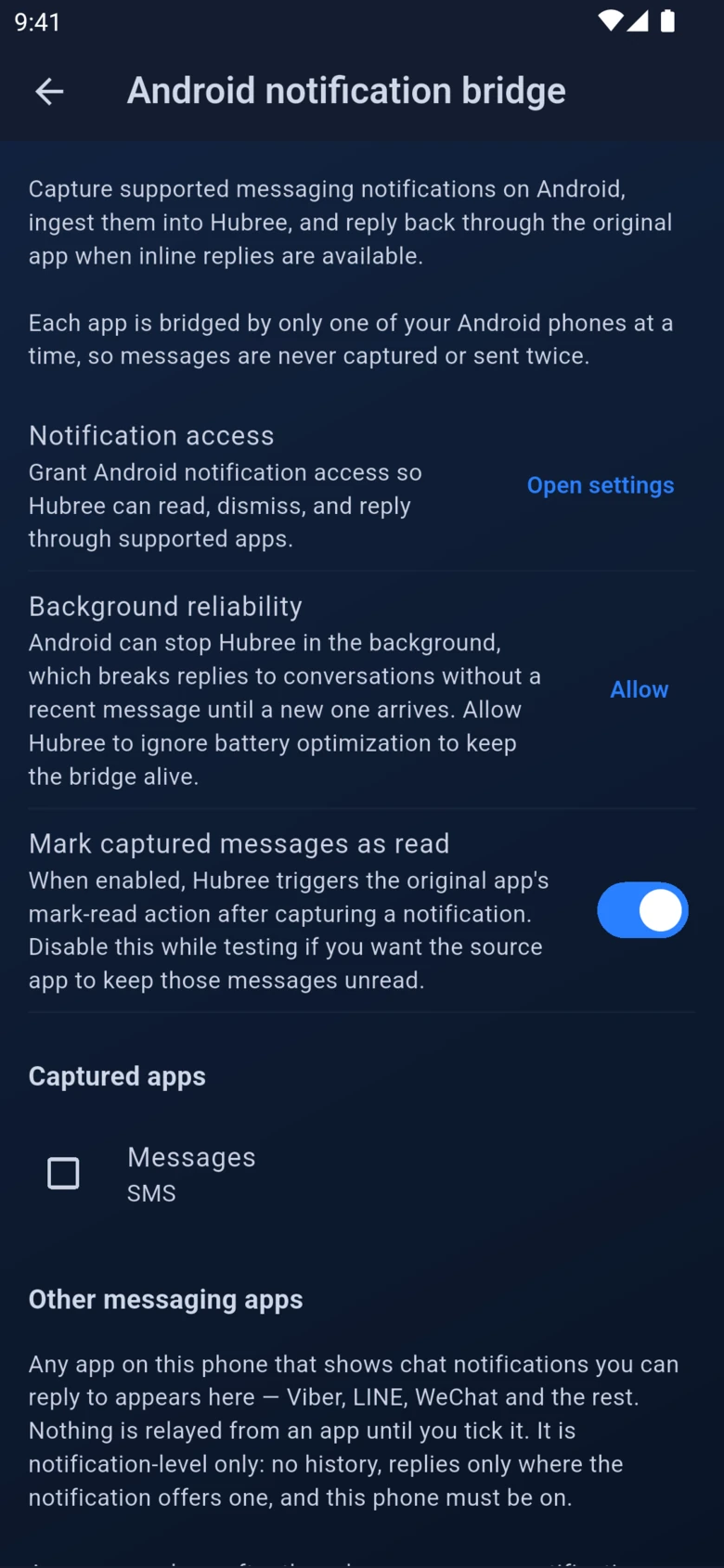
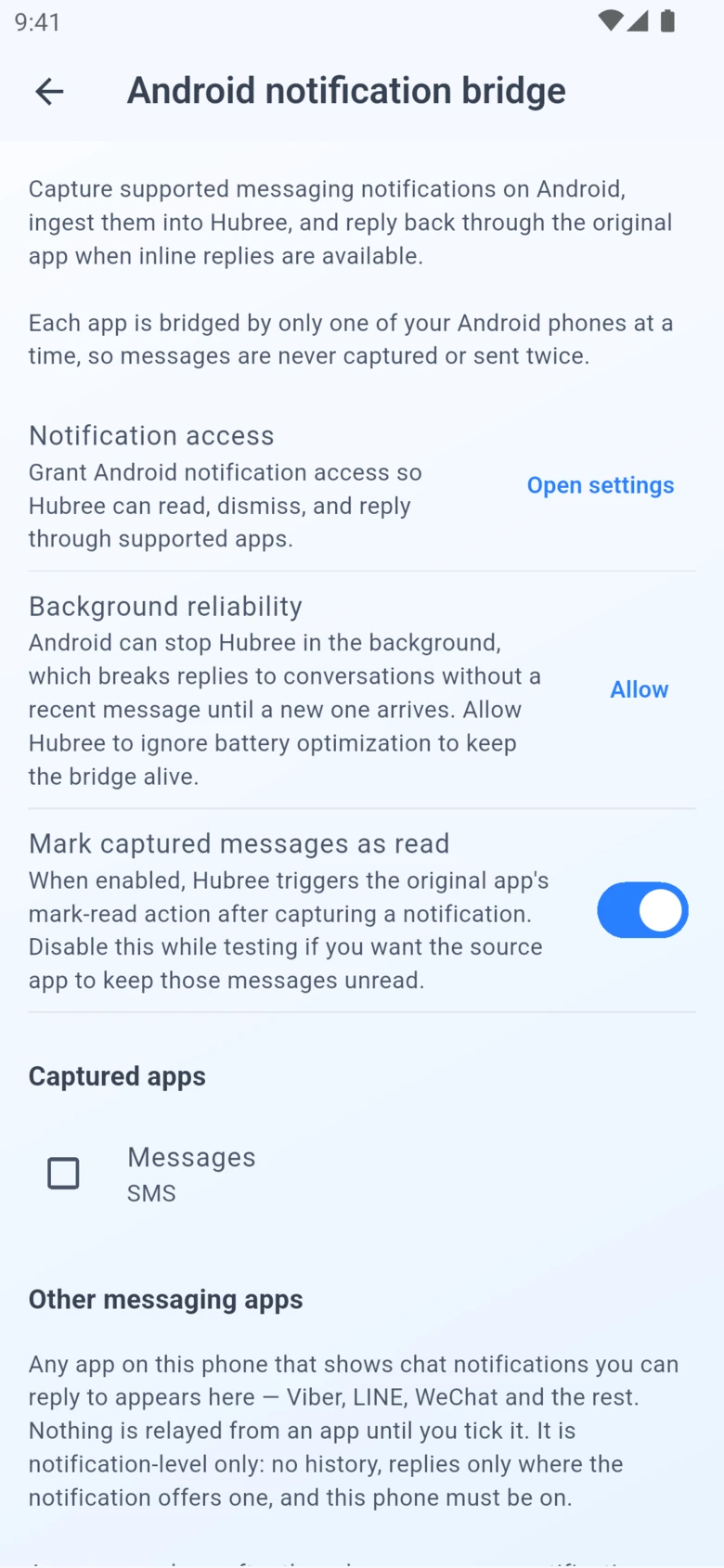
Some platforms have no API and no bridge. The Android bridge covers them: when a message notification arrives on your phone, Hubree captures it, forwards it to all your devices, and sends your reply back through the original app on the phone.
Try it free →Highlights
Everything you need
Capture almost any app
Telegram, Signal, personal Teams, Messenger, Instagram and any app that posts message notifications with a reply button. You choose which apps, one toggle each.
Reply from your desktop
Captured messages appear in the inbox on every device. Reply there and the answer goes out through the app on your phone, as if you had typed it into its notification.
No extra apps on the computer
Nothing to install on the laptop. Your phone does the talking; the rest of your devices just see the conversation.
Safety net for bridged channels
When a channel is connected on the server, the phone steps back. If the server bridge ever falls silent, the phone quietly picks the messages up so nothing is lost.
No duplicates
Your own replies echoed back by the app are recognised and skipped, and a message answered on one device is resolved everywhere.
In the app
See it on your devices
Get started
Reply to anything, from anywhere.
Hubree is free to start. No credit card required.
Create your account →